1Choose Your Avatar
Upload your own photo or pick one of the built-in characters.
⬆
Upload Photo
Your Photo
✓
Or you can choose pre-set Characters
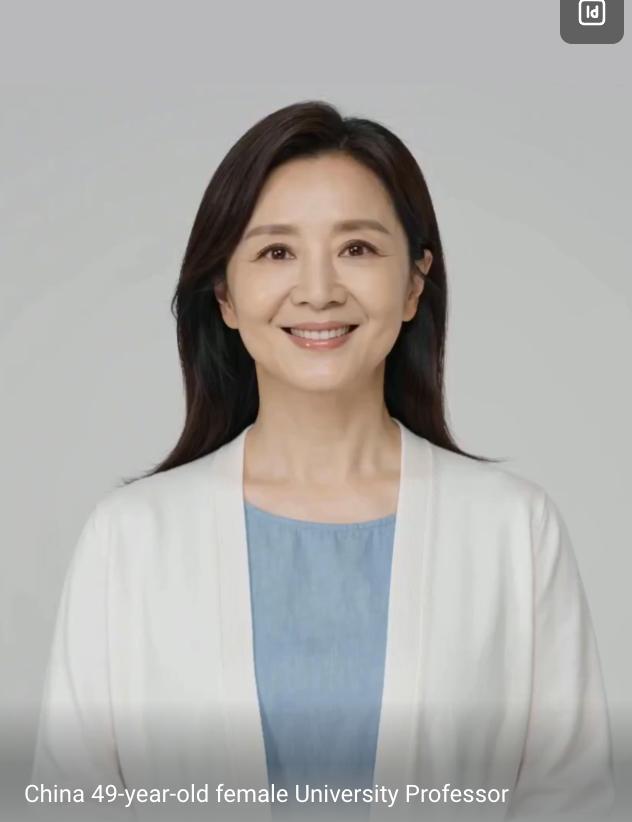
Character 1
✓
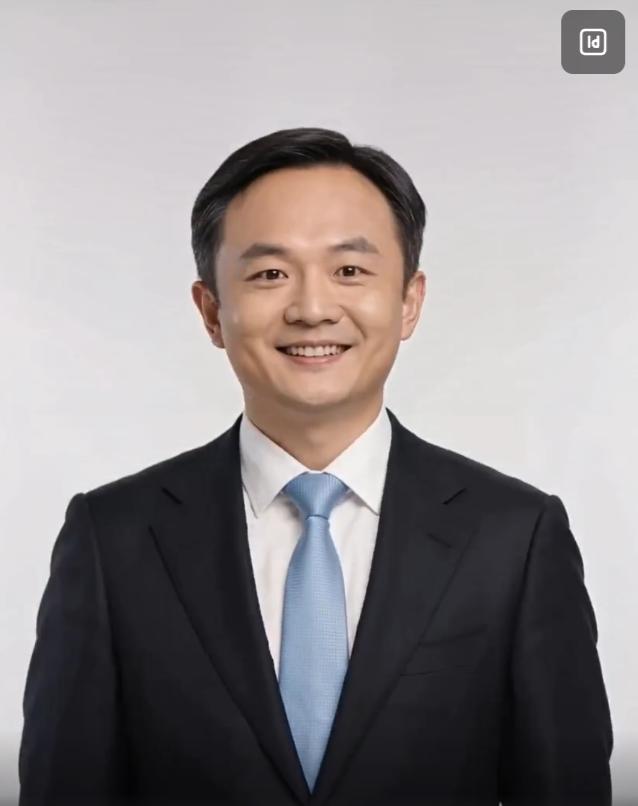
Character 2
✓
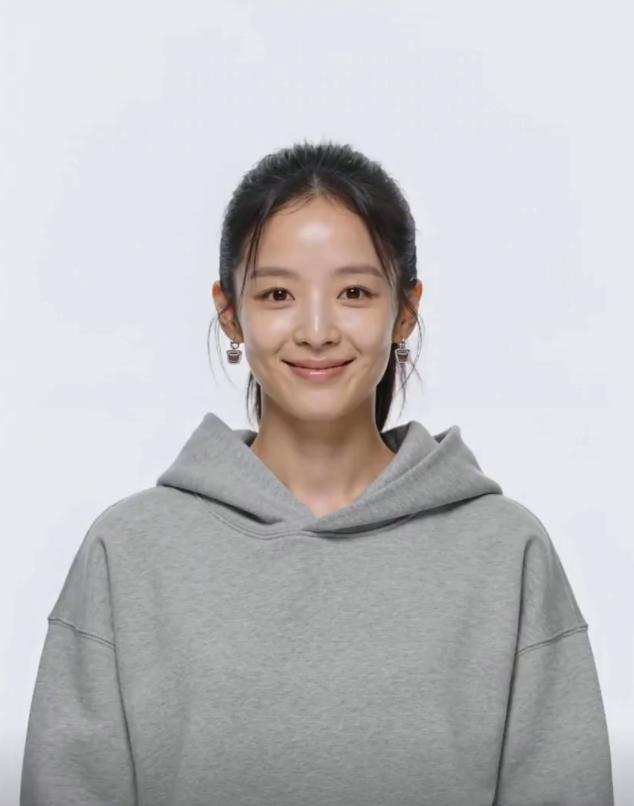
Character 3
✓
2Choose Your Background
Upload a background photo or pick a preset — the person will appear in front of it.
⬆
Upload Background
Your Background
✓
Or choose a preset background
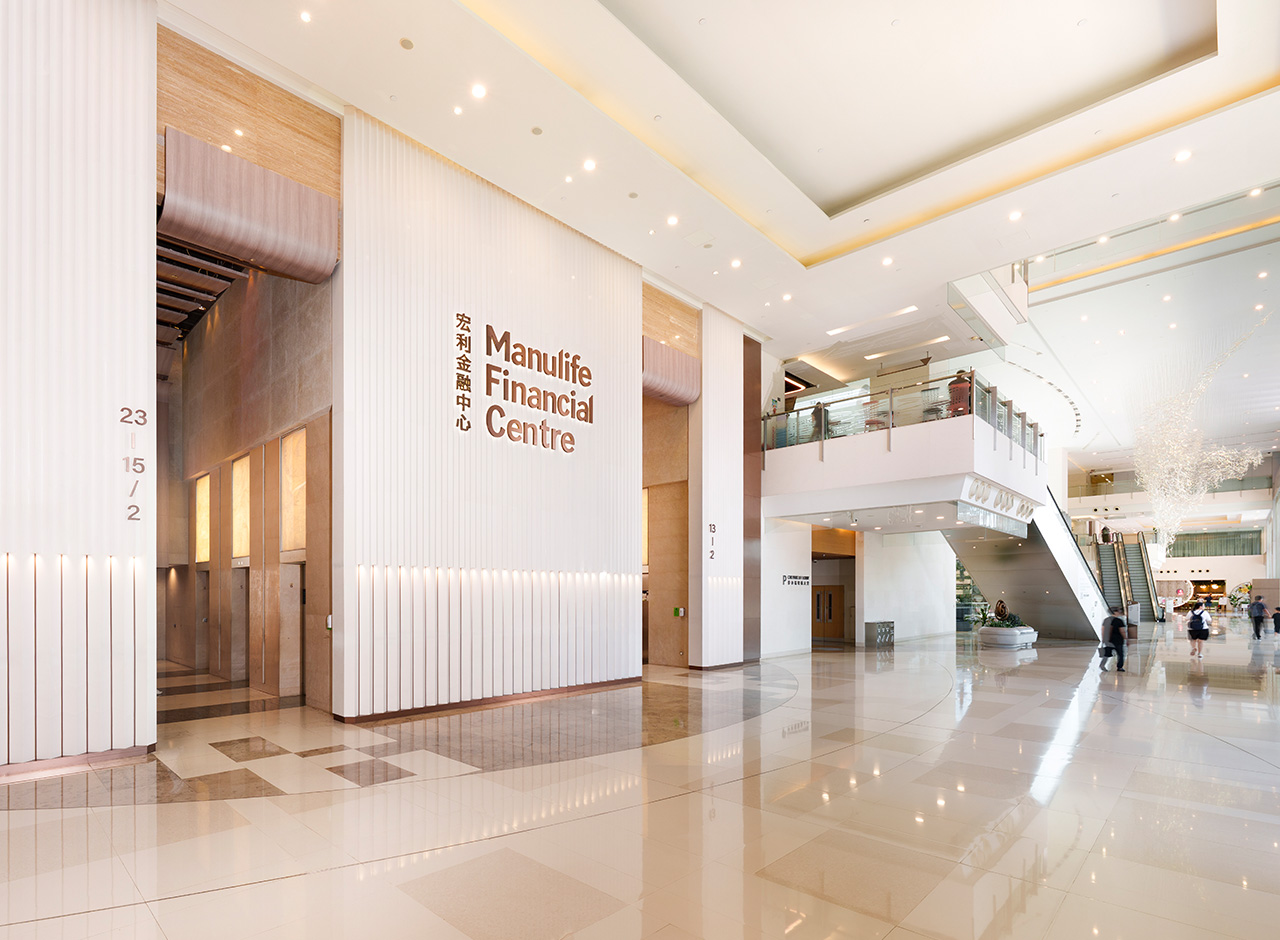
Office Lobby
✓
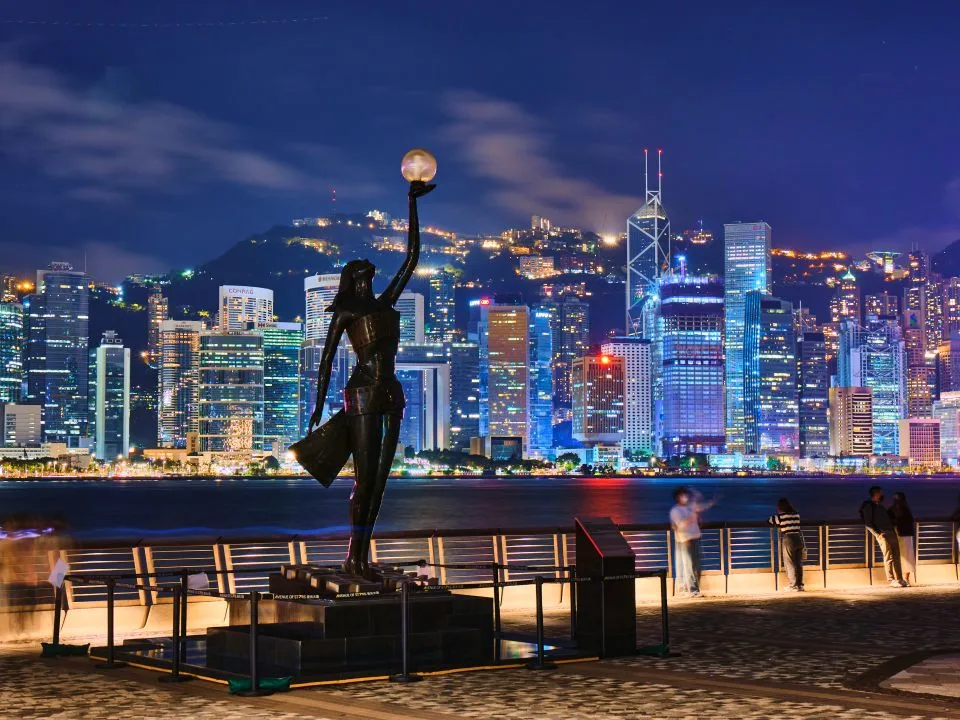
Victoria Harbour
✓

Green Backdrop
✓
3Clone Your Voice (optional)
Make the person in the video speak in your own voice (5-15s). Skip to use an auto-generated voice.
Voice cloning works best on a phone. Please open this page on your mobile to record or upload your voice.
4Video Settings
Choose resolution, duration and how many videos to generate.
Resolution
Duration
Number of Videos
Spoken Language
5Enter Your Prompt
Describe the video you want, or pick a theme below to auto-fill a professional prompt.
Auto-generate by theme:
6Generate & Download
Click generate. Once ready, preview and download your video(s).